AI photoshoot
One photo becomes ten shots: a leather jacket on a rooftop, a puffer under a night flash, a camel coat in a marble lobby. Your face, styled and re-lit.
Updated
1 Upload a photo
2 Pick one
Upload a photo first, then choose a style.
Your photo is sent to our own GPU, used for this edit, and deleted after 24 hours.
QWEN IMAGE EDIT · NO SIGN-UP · NO WATERMARK · FREE
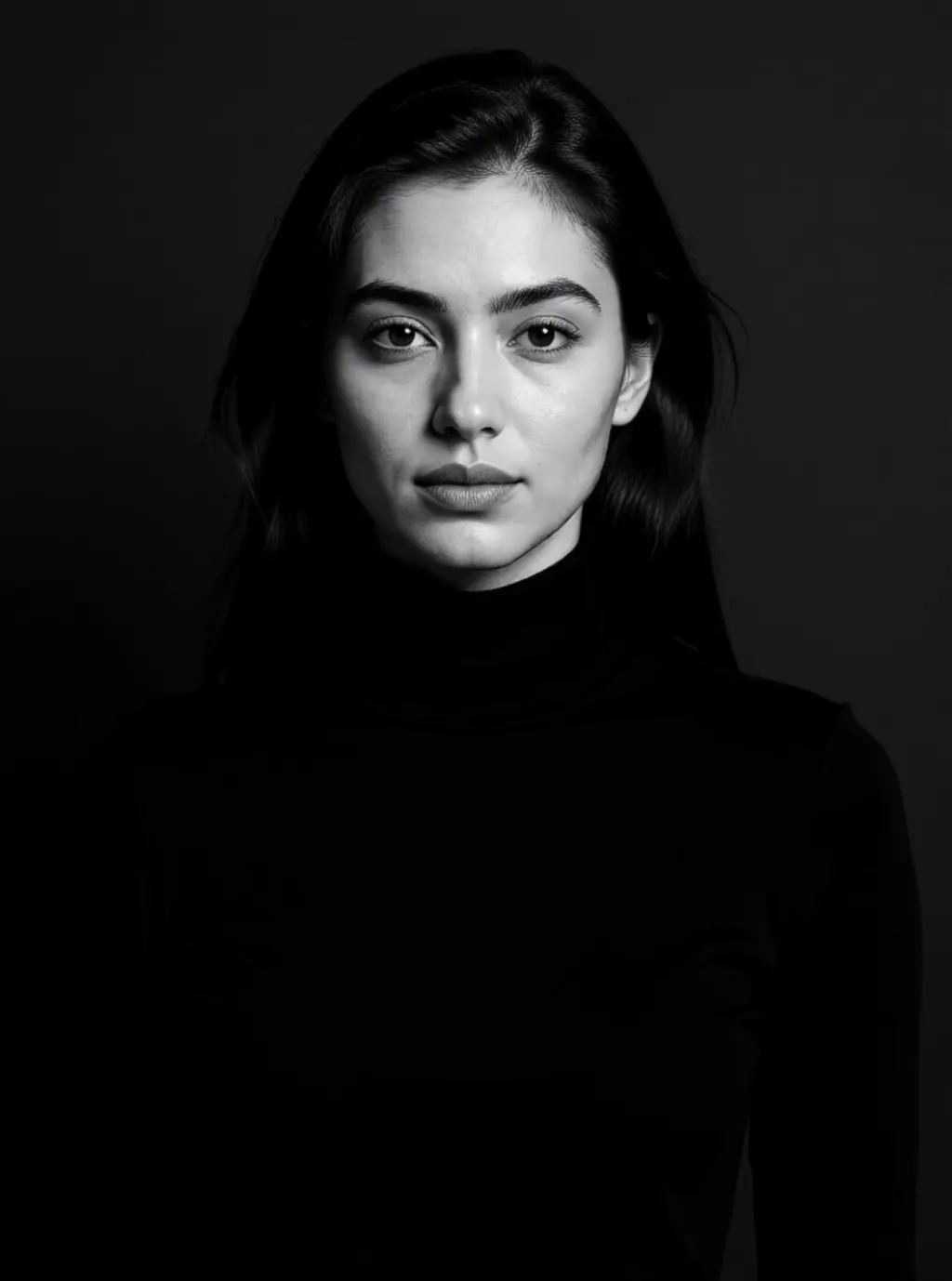
Editorial noir: black turtleneck, hard side light, tight crop, black and white 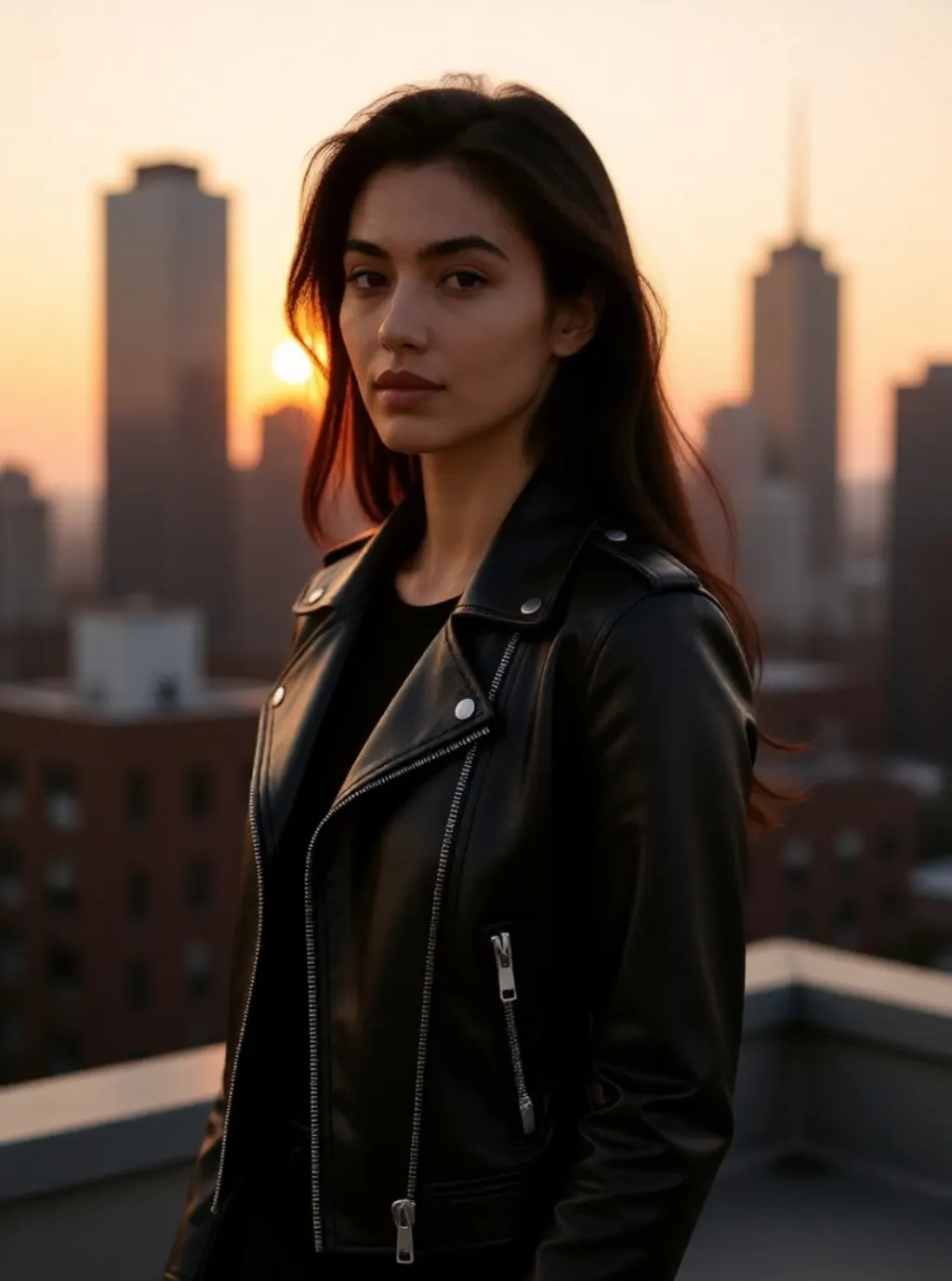
Rooftop: leather jacket, golden hour backlight, three quarter turn 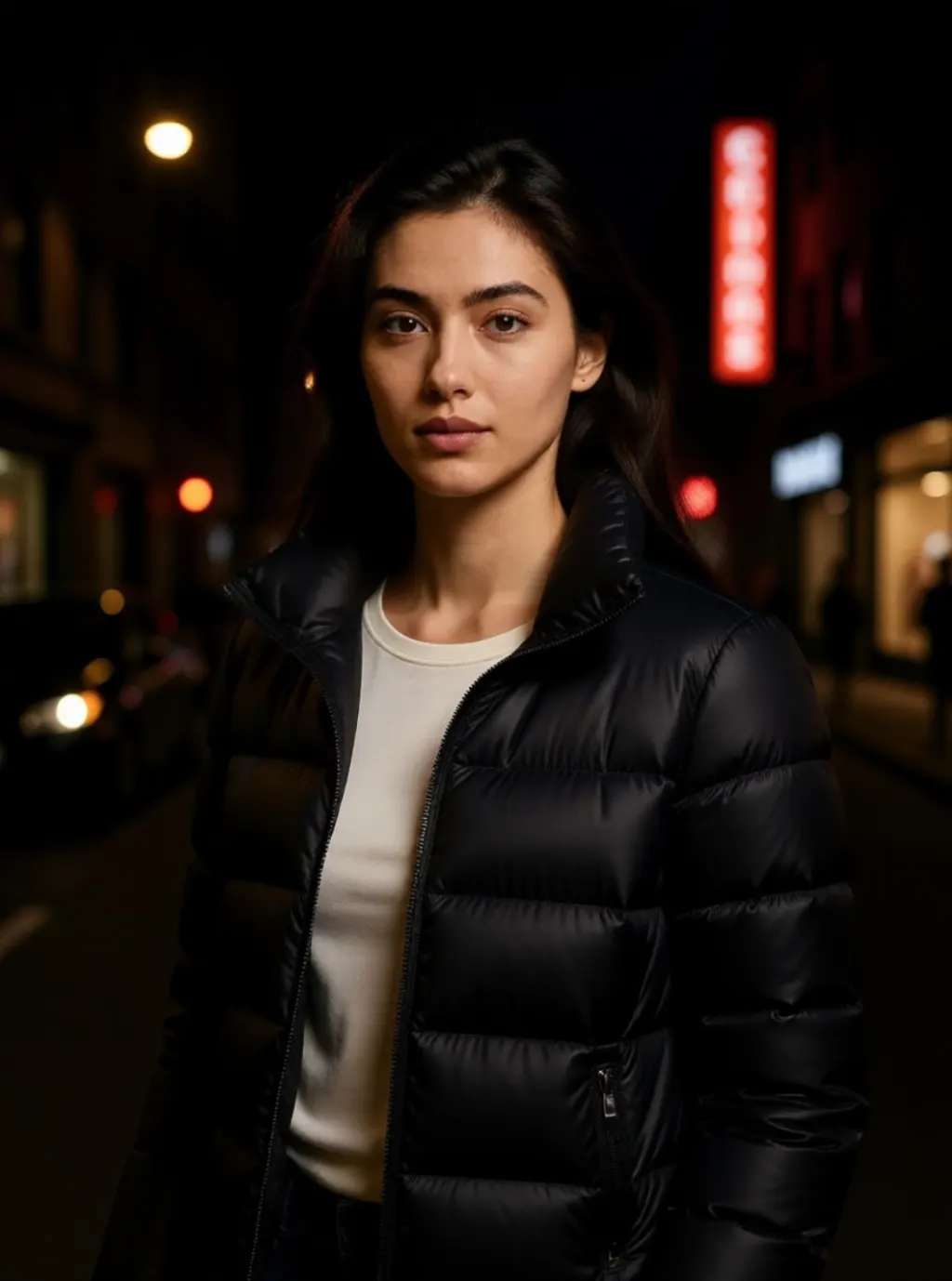
Street flash: puffer jacket, direct camera flash, blurred shop signs 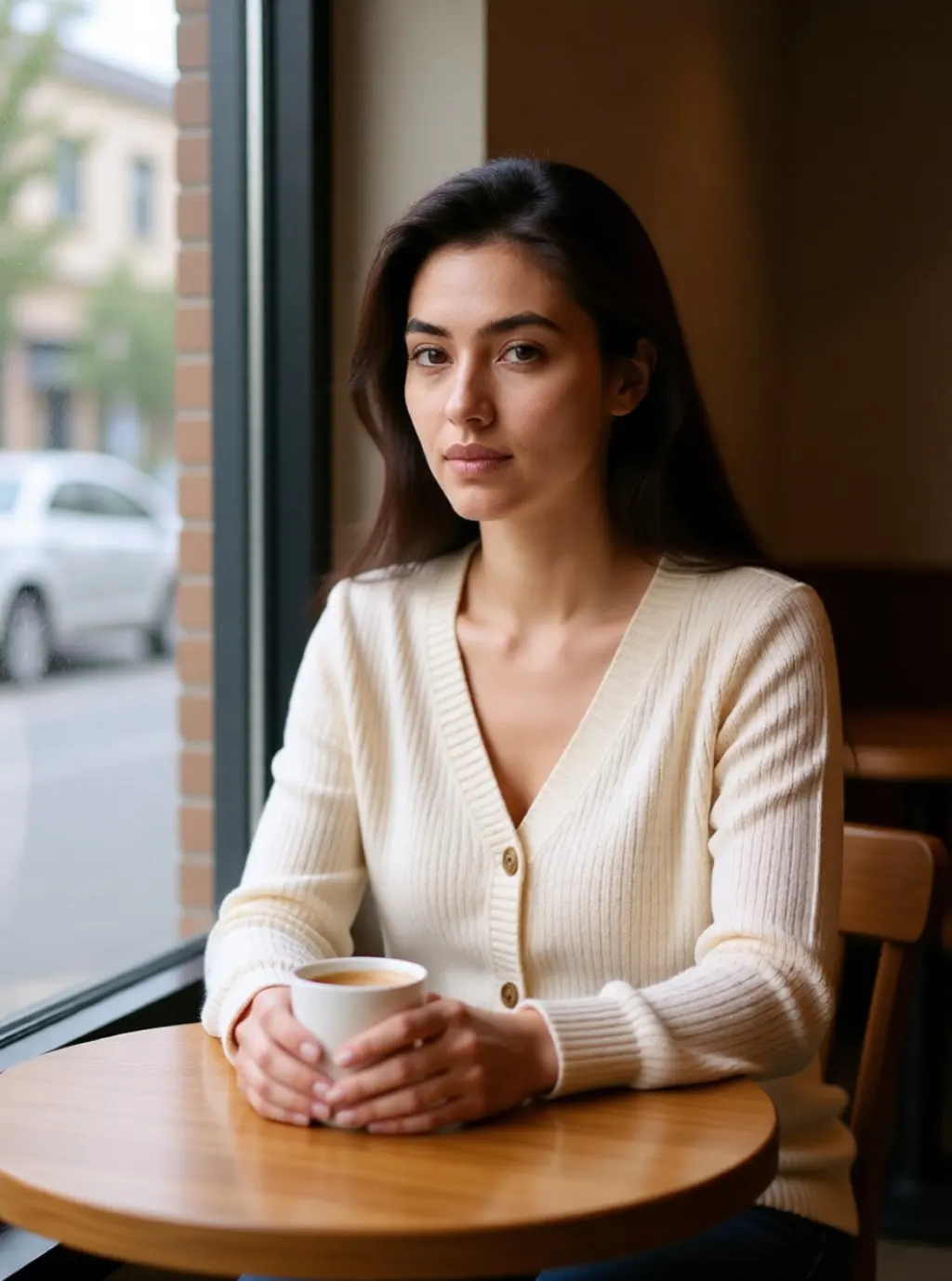
Cafe: knit cardigan, seated with a cup, window daylight, 35mm grain 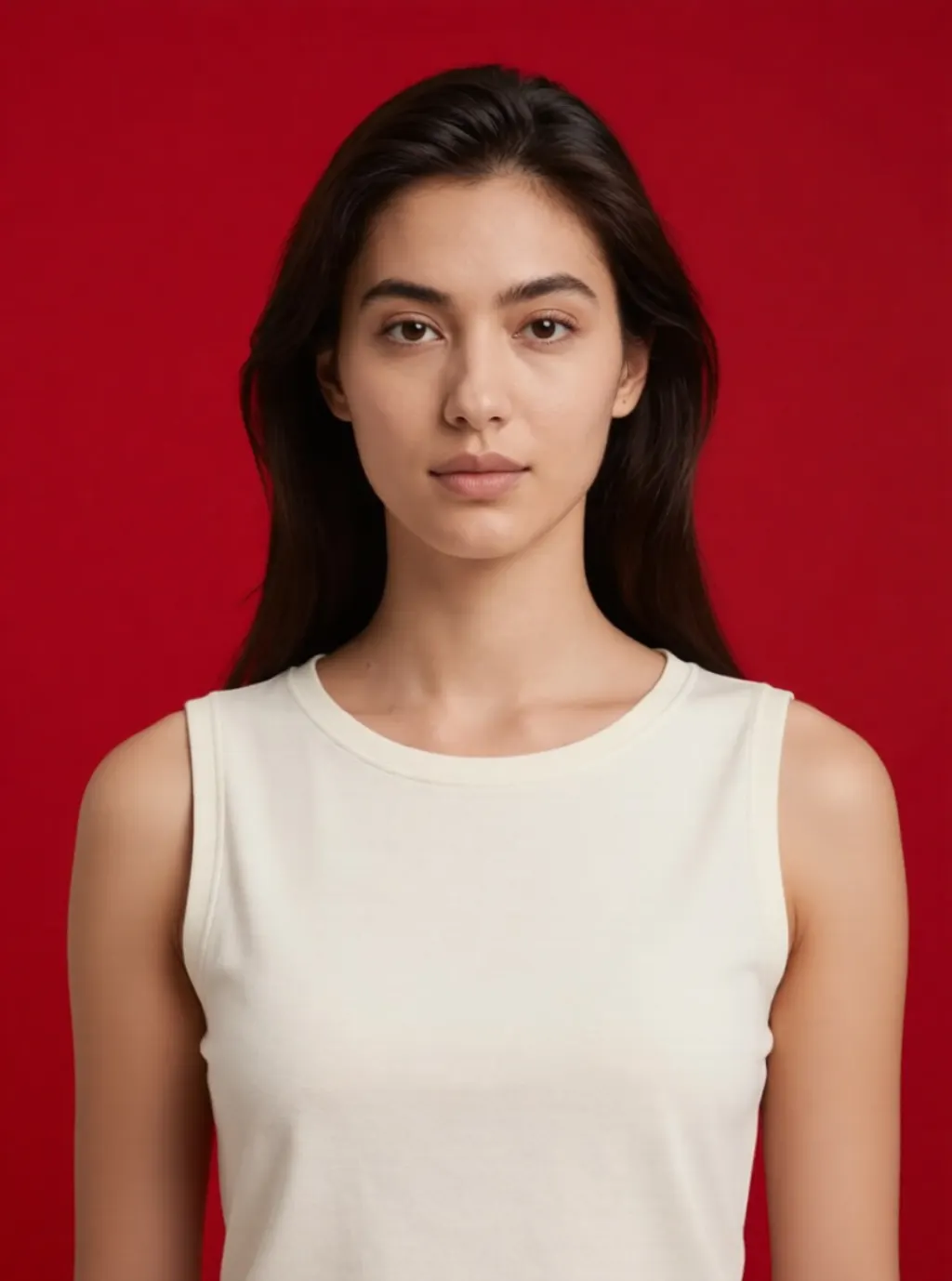
Campaign gloss: sleeveless top, bold red backdrop, close crop 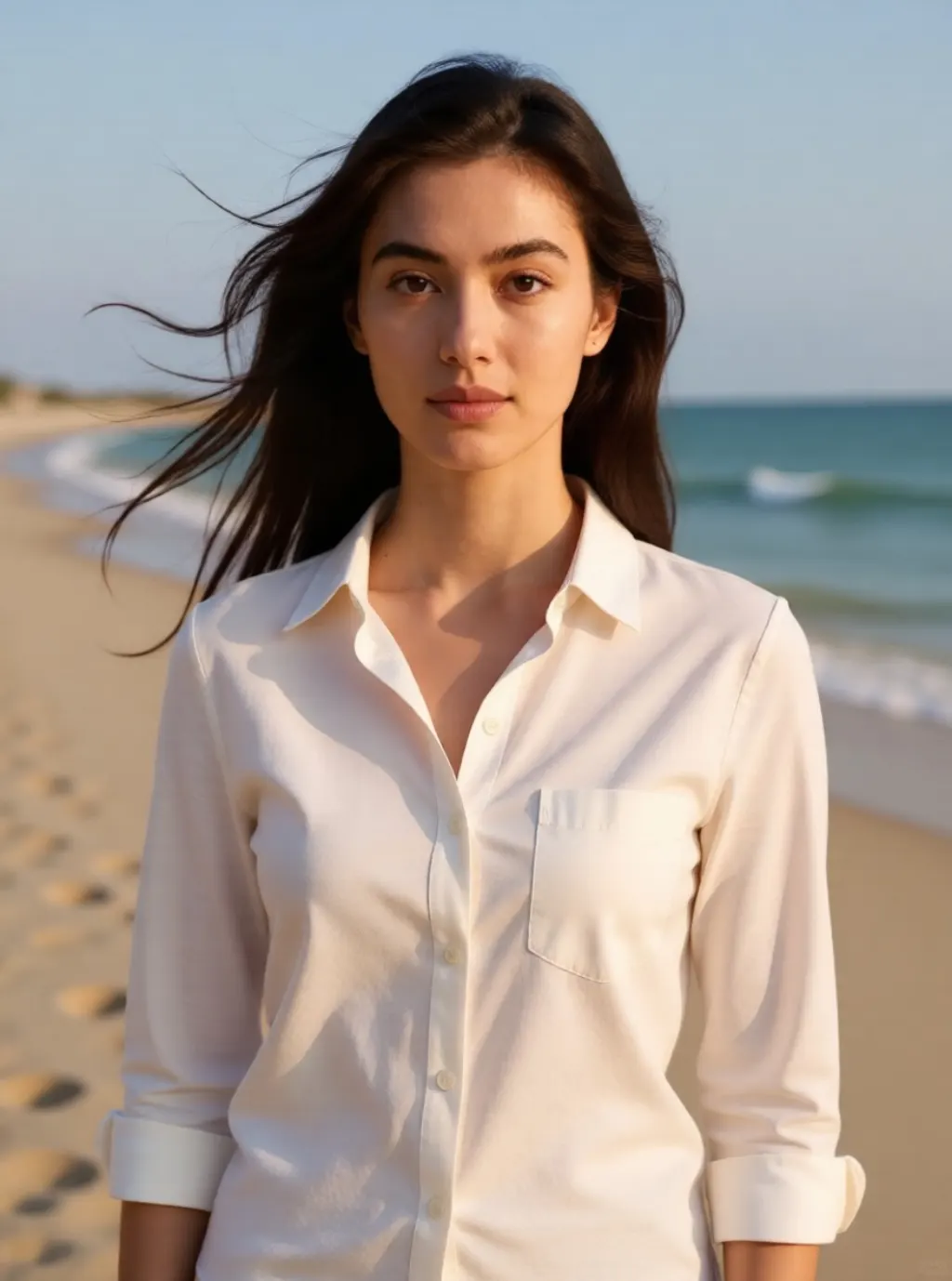
Coast: white linen shirt, late afternoon light, wind in the hair 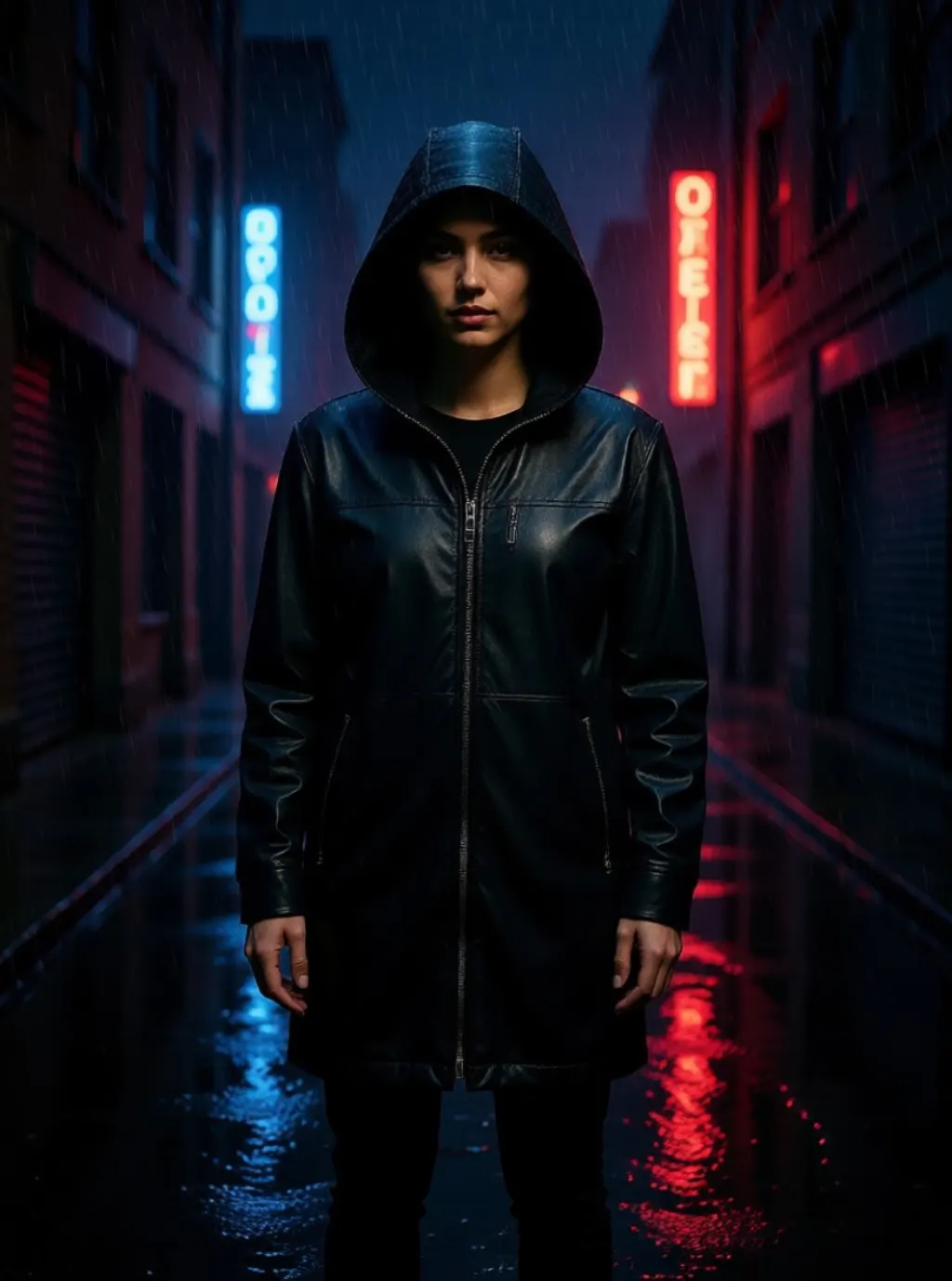
Neon alley: hooded jacket, full length, rain and reflections 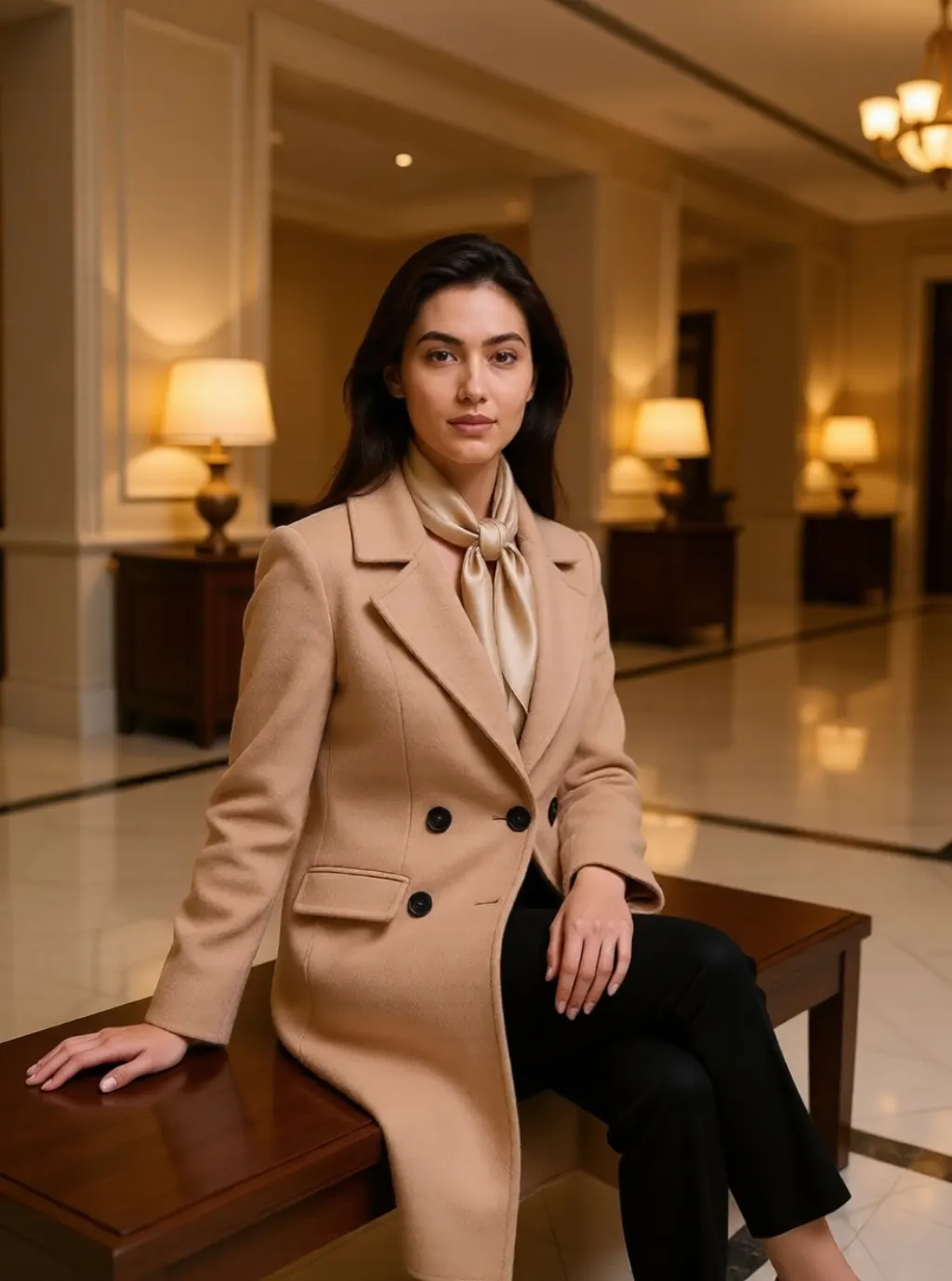
Quiet luxury: cashmere coat and scarf, seated, marble lobby 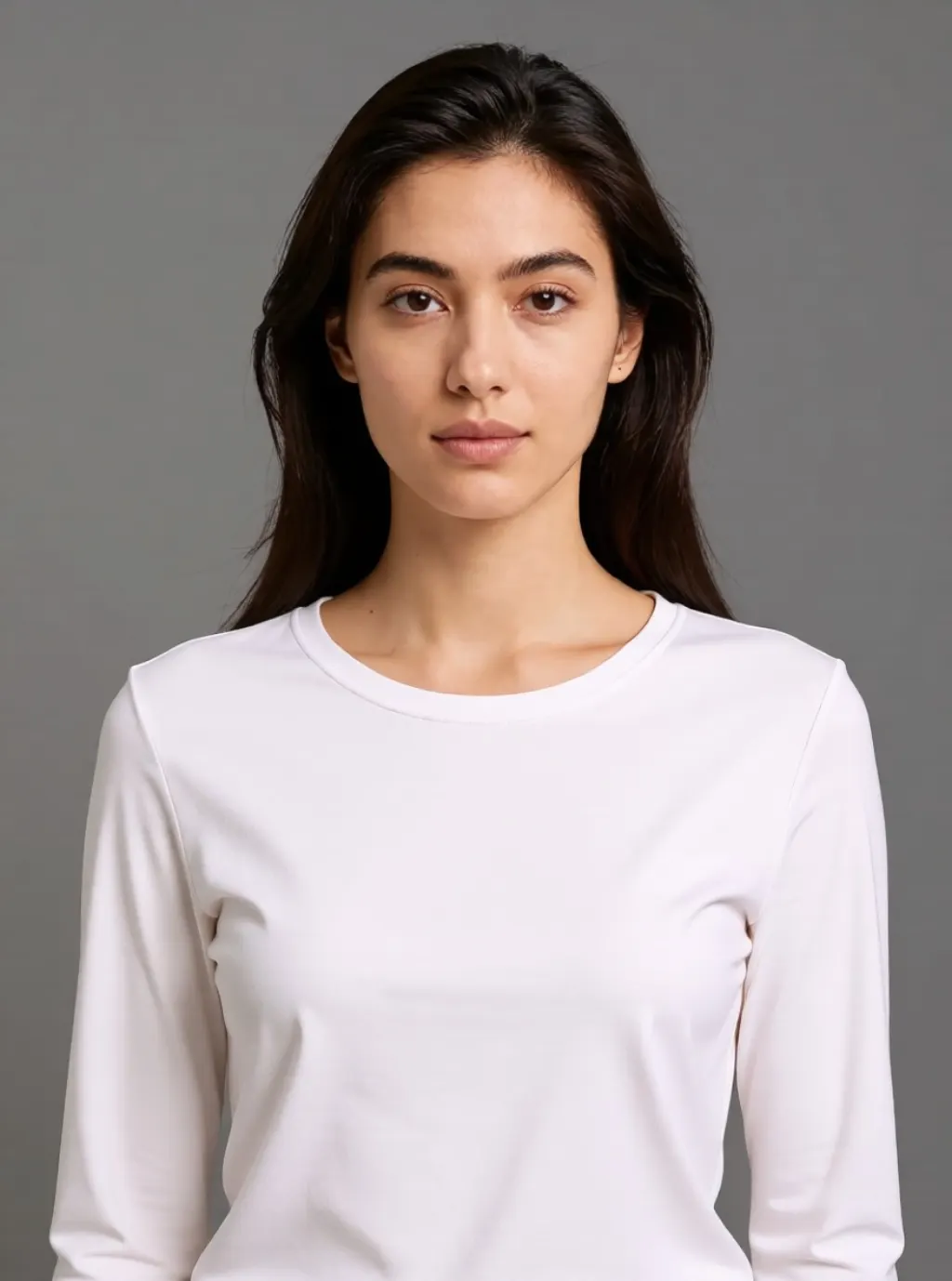
Studio grey: crisp white shirt, seamless backdrop, soft key light 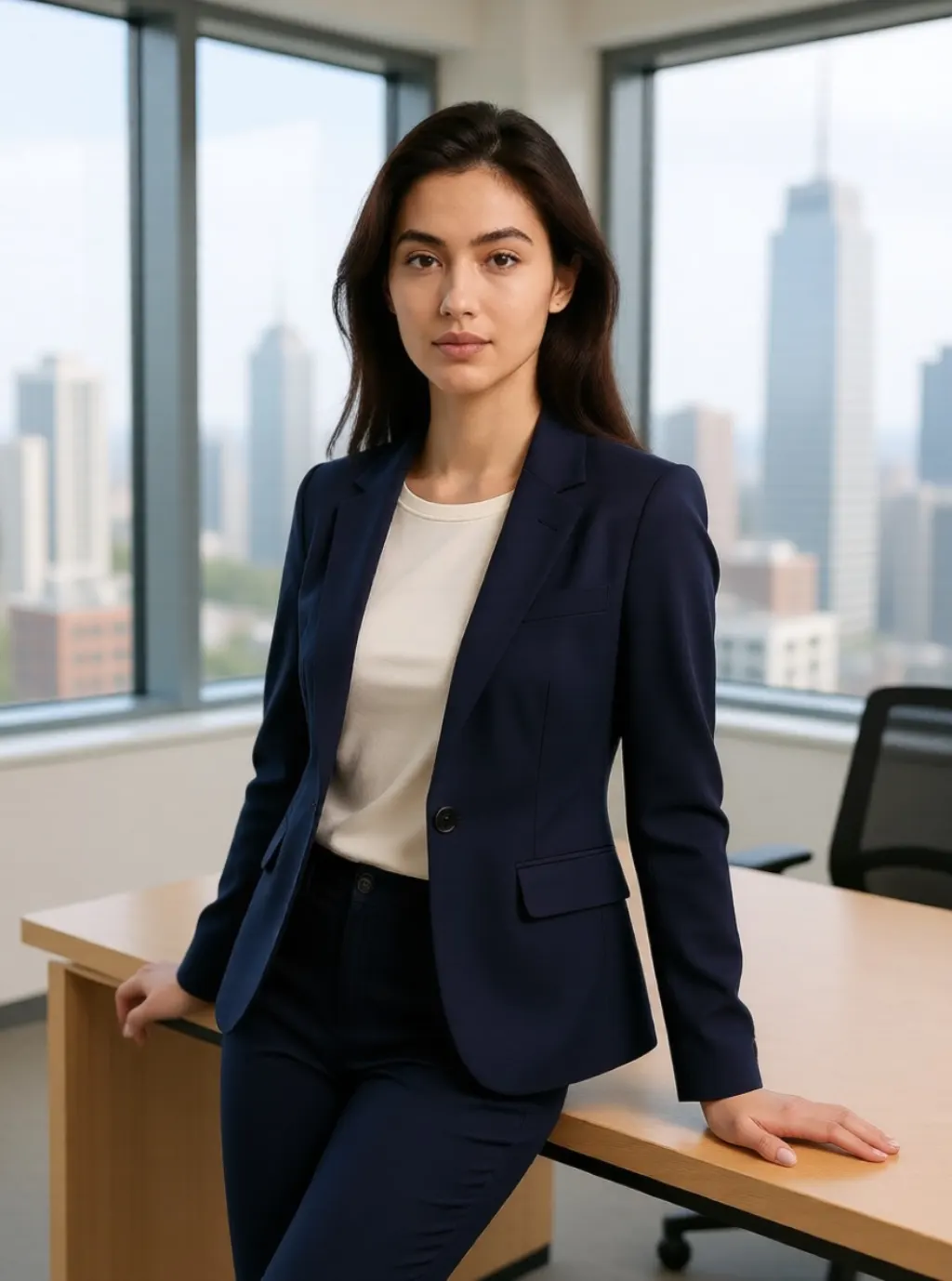
Office window: navy blazer, leaning against a desk, city outside
Ten setups from one photograph, and each one styles you for the room it puts you in: a leather jacket on the rooftop, a puffer under the night flash, a cashmere coat in the lobby. The face stays yours.
Every picture above started as the same portrait, which is the plainest way to show what each button does.
Which setup for which job
Studio grey and office window are the ones people come for. A white shirt on a seamless backdrop and a navy blazer against a city view both read as a headshot, and both survive being seen next to real photographs of colleagues.
Cafe, coast and rooftop are the social ones. A cardigan and a cup, a linen shirt in beach light, a leather jacket at golden hour: they look like somebody took a picture of you on a good afternoon, which is what a profile picture is supposed to look like.
Editorial noir, campaign gloss, street flash and neon alley have an opinion. Black turtleneck and hard light, a red backdrop, direct flash, a hooded jacket in the rain. Use them where the picture is meant to be seen as a picture: a band page, a portfolio, a poster.
Quiet luxury sits between the two. A camel coat on a lobby bench, warm lamps, no obvious lighting trick.
Your face, styled for the room
Each setup changes three things: the wardrobe, the light and the crop. The rooftop turns you three quarters to camera in a leather jacket; the cafe seats you with your hands around a cup; the neon alley pulls all the way back to full length so the wet ground is in shot.
The face is what does not change, because it is already in the file you uploaded. Describing a person instead is where consistency falls apart: we ran twelve shots from a written description and the loose half came back as six different women.
Backgrounds are invented rather than remembered. The office is not your office, and the skyline belongs to nobody.
How this differs from the paid headshot products
The products charging $30 to $60 work differently, and the difference decides which one you want.
They ask for fifteen to thirty photos of you and train a small model on them, which takes an hour or two. Because the model learns your face from many angles it can then generate poses and crops that exist in none of your photos.
This page edits one photograph. It restyles and re-lights you, and it will change your clothes, but it cannot invent an angle of your face that you did not upload.
Pick the trained kind when you need twenty varied shots for a company page. Pick this when you need one good picture in the next minute, or when handing thirty photos of your face to a subscription service is not something you want to do.
Where this is the wrong tool
Passport and visa photos. The studio setup gives you a clean background, not a document photo. Those have rules on head height, margins and expression that nothing here checks.
Anything that has to be an unedited record. A press credential, an insurance claim, a listing photo. What comes back is an edited photograph and should be described as one.
Somebody else's picture. Our terms rule out deceptive or non-consensual use of a real person, and a colleague you did not ask is the clearest case of it.
Getting a usable shot
Upload a photo where the face is lit and sharp. Editing preserves what is there, so a soft or shadowed face stays soft after the restyle.
Head and shoulders or half body both work. The setups that change the crop, neon alley especially, have an easier time when there is room around you to work with.
Run the same setup twice if the first is not right. Each run is a different draw, and nothing is counting them.
Want something the presets do not cover?
The editor takes the same upload and any instruction you write yourself. Slower to get right, and there is no limit on what you can ask for.
FAQ
Frequently asked questions
What is an AI photoshoot?
Two products share the name. One trains on a batch of your selfies and generates a person who resembles you, which takes an hour and a fee. This one edits a photo you already have, restyling and re-lighting you while keeping your face, and takes under a minute.
Is it free?
Yes, with no account, no watermark and no credit counter. It runs on our own RTX 4090 and ads cover the hardware.
Will it still look like me?
The likeness comes from your photo rather than from a description, so the face is the one you uploaded. What changes is the wardrobe, the light and the room.
Does it change my clothes?
Yes. Each setup dresses you for the scene: a leather jacket on the rooftop, a puffer on the night street, a white shirt in the studio. If you want your own outfit kept, use the image editor and say so.
Can I use the result for a passport photo?
No. A clean background is not the same as a document photo, which has to meet rules on head size, margins and expression that this does not check.
What happens to my photo?
It is used for the edit and deleted after 24 hours along with the result. There is no account, so nothing is stored against a profile.
Keep going
Other free AI tools here
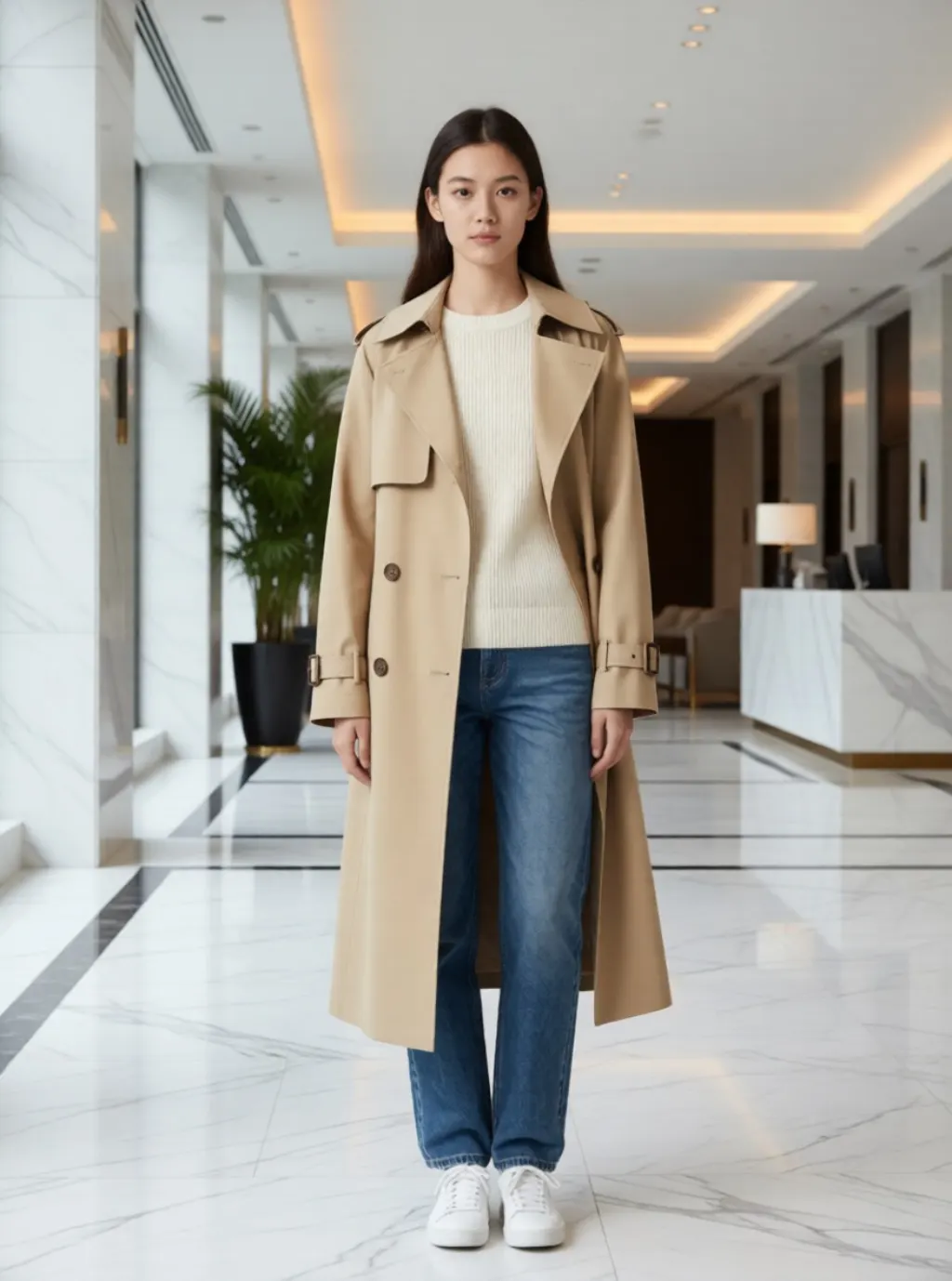 AI clothes changerUpload one photo, pick a look, and get the outfit and the place it belongs in. Ten looks, one click each.
 Free AI Wallpaper GeneratorType a prompt, pick a phone or desktop ratio, and download an unwatermarked wallpaper in about 15 seconds. No account, no credits, no daily cap.
 Free AI Logo GeneratorDescribe the mark you want and download it straight away. No account, no watermark, and nothing to pay at the download button.
 Free AI Tattoo GeneratorDescribe the tattoo you want and get a clean design in about ten seconds. No account, no watermark, and no cap on how many you try.