Free AI Logo Generator
Describe the mark you want and download it straight away. No account, no watermark, and nothing to pay at the download button.
Updated
Z-IMAGE TURBO · NO SIGN-UP · NO WATERMARK · FREE
Type what the mark should look like and download the result seconds later. Every logo on the sheet above was made here with the prompt printed on it, so you can load one, change the subject or the colors, and make it yours.
The difference on this page is what happens at the download button. Most free AI logo generators let you generate and then ask for an account, a subscription or a watermark removal fee before you can keep the file. Here there is no account, no watermark and no upsell. What you do get is an image rather than a full brand kit, and the section below is honest about where that matters.
What you get here, and what you do not
You get a 1024 pixel image on a white background, free, unwatermarked, and usable commercially. That is enough to test a direction, brief a designer, put a mark on a deck, or run a small project that does not need print-ready files.
You do not get an SVG, a transparent PNG, a font pairing or a brand kit. Tools like Vistaprint, Canva and Looka do produce those, and if you need a vector file that scales to a billboard or a logo you can drop onto a colored background, that is the right kind of tool for the job, usually after an account and a payment.
The honest split is this: use this page when you want a lot of directions quickly and for nothing. Move to a vector tool or a designer once you have picked one and need it built properly.
How to describe a logo the model can draw
Name the kind of mark first, then the subject, then the style and color, and finish with “flat design, white background”. So not “logo for my coffee shop” but “coffee shop logo mark, simple line drawing of a cup with steam, dark brown on a white background”.
The kinds worth naming: a mark or icon for an abstract symbol, an emblem or badge for something inside a frame, a mascot for a character. Each produces a completely different result from the same subject.
One instruction matters more than the rest: do not ask for your company name in the image. Diffusion models render text unreliably. It lands often enough to be tempting, and misspells often enough that you cannot ship it without checking every letter. Add “symbol only with no text” to the prompt, then set the name yourself.
Adding your company name to the mark
Generate the symbol here, then set the name in a real typeface. That is also how logos are built by hand, so you are not working around a limitation so much as skipping a step the model is bad at.
The quick version: download the mark, open any free design tool, put the name underneath in a font you like at a size where the letters are roughly a third of the mark's height, and leave generous space between the two. Google Fonts has a large free-for-commercial-use library to pick from.
If the white square behind the mark is in the way, the free AI image editor here can remove or replace the background before you place the type.
Logo styles that come out clean
These render reliably: geometric marks built from simple shapes, line marks drawn in a single weight, mascots with bold outlines, vintage badges in a circular frame, gradient tech marks for software brands, and monogram-style shapes made of thick letterforms rather than actual letters.
What comes out badly: anything that depends on legible text, very intricate detail that will disappear when the logo is shown at 32 pixels, and exact symmetry, which the model approximates rather than constructs. If you need a perfectly mirrored mark, generate the idea here and have it redrawn cleanly.
Starting from a sketch or a photo instead
This page starts from text. If you already have something visual, a sketch on paper, an old logo you want modernised, a photo of an object that represents the brand, use the AI image editor: upload it and describe the change in words, for example “redraw this sketch as a clean flat logo mark in two colors on a white background”.
It is free and needs no account either, and it runs on Qwen Image Edit rather than the text-to-image model behind this page.
Already have an image to change?
Upload a photo and describe the edit in words: swap the background, change the lighting, restyle it. Free too, and no sign-up.
FAQ
Frequently asked questions
Is there a free AI logo generator?
This one. There is no account, no email, no credit card, no credit counter and no watermark, and the download is the full-resolution file. Many tools advertised as free are free to generate but charge or require a sign-up before you can download anything usable.
Can ChatGPT make a logo?
It can generate logo images, and it has the same weaknesses: text inside the image is unreliable and the output is a raster picture, not a vector file. The practical differences here are that this page needs no account and has no message or image cap, so you can iterate on a prompt as many times as you want.
Can I legally use a logo created by AI?
You can use the images from this page commercially, including as a logo. Be aware that these are two separate questions: copyright and trademark. In the United States the Copyright Office has taken the position that material generated purely by AI, without human authorship, is not protected by copyright, while trademark rights generally come from actually using a mark in commerce rather than from authorship. If the logo matters to your business, have a lawyer look at it before you build a brand on it.
Which is the best AI to generate logos?
It depends on what you need at the end. For exploring many directions fast and free, a text-to-image generator like this one is hard to beat. For a finished identity with vector files, color variants and a brand kit, a dedicated logo platform is the better tool, and most of them charge for it.
Do I get an SVG or a transparent PNG?
No. Downloads are JPG images at 1024 pixels on the long edge, on a white background. You can remove the background with the free AI image editor here, and a designer can trace the mark into a vector file if you need one that scales without limit.
Does the logo have a watermark?
No. There is no watermark, no branding and no logo-generator signature on the image, at any point and without paying.
How many logos can I generate?
As many as you like. There is no daily cap; at busy times heavy use is gently slowed rather than blocked. Generating five or six versions of the same prompt is normal, since each run gives a different composition.
References
Keep going
Other free AI tools here
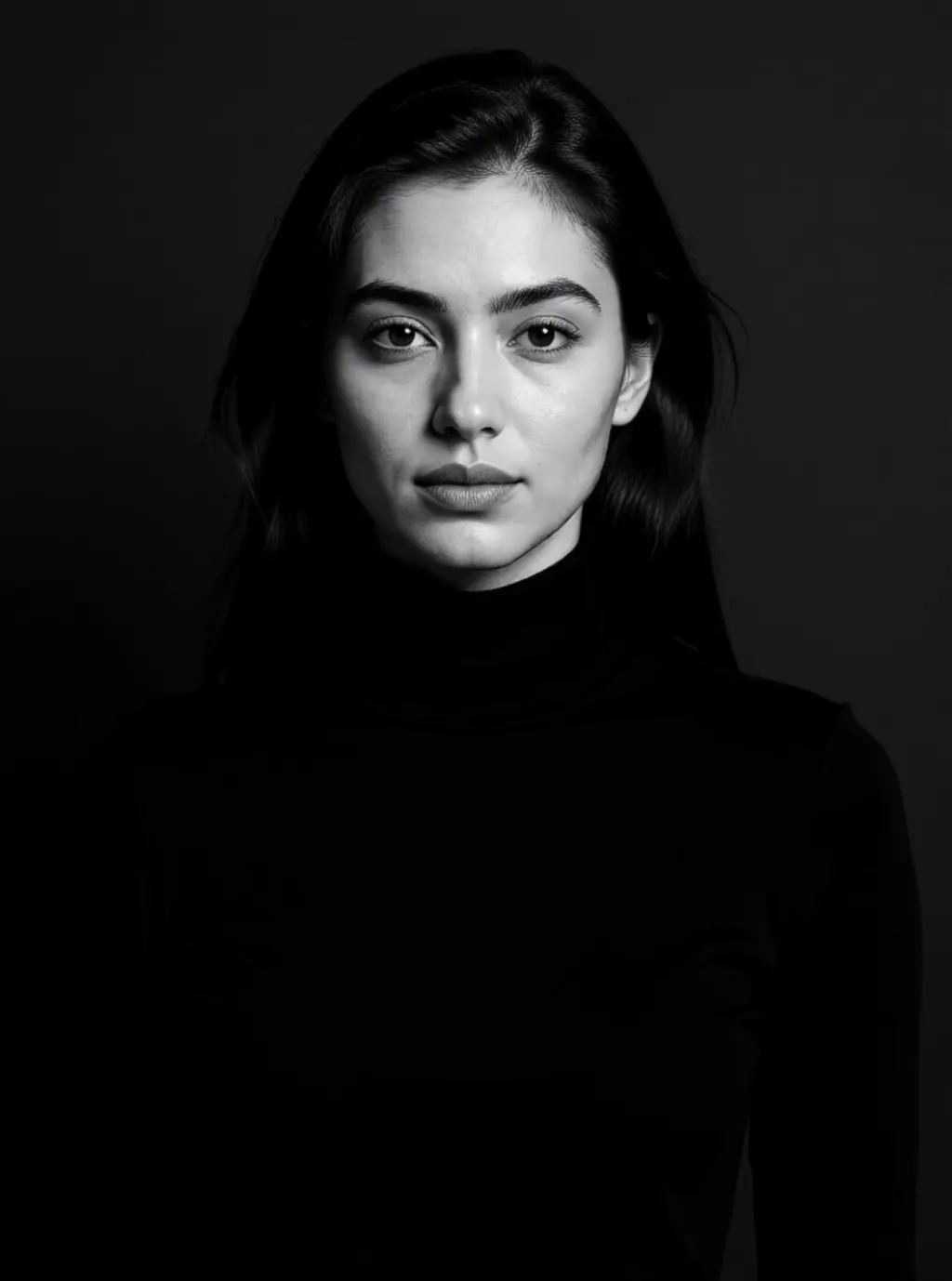 AI photoshootOne photo becomes ten shots: a leather jacket on a rooftop, a puffer under a night flash, a camel coat in a marble lobby. Your face, styled and re-lit.
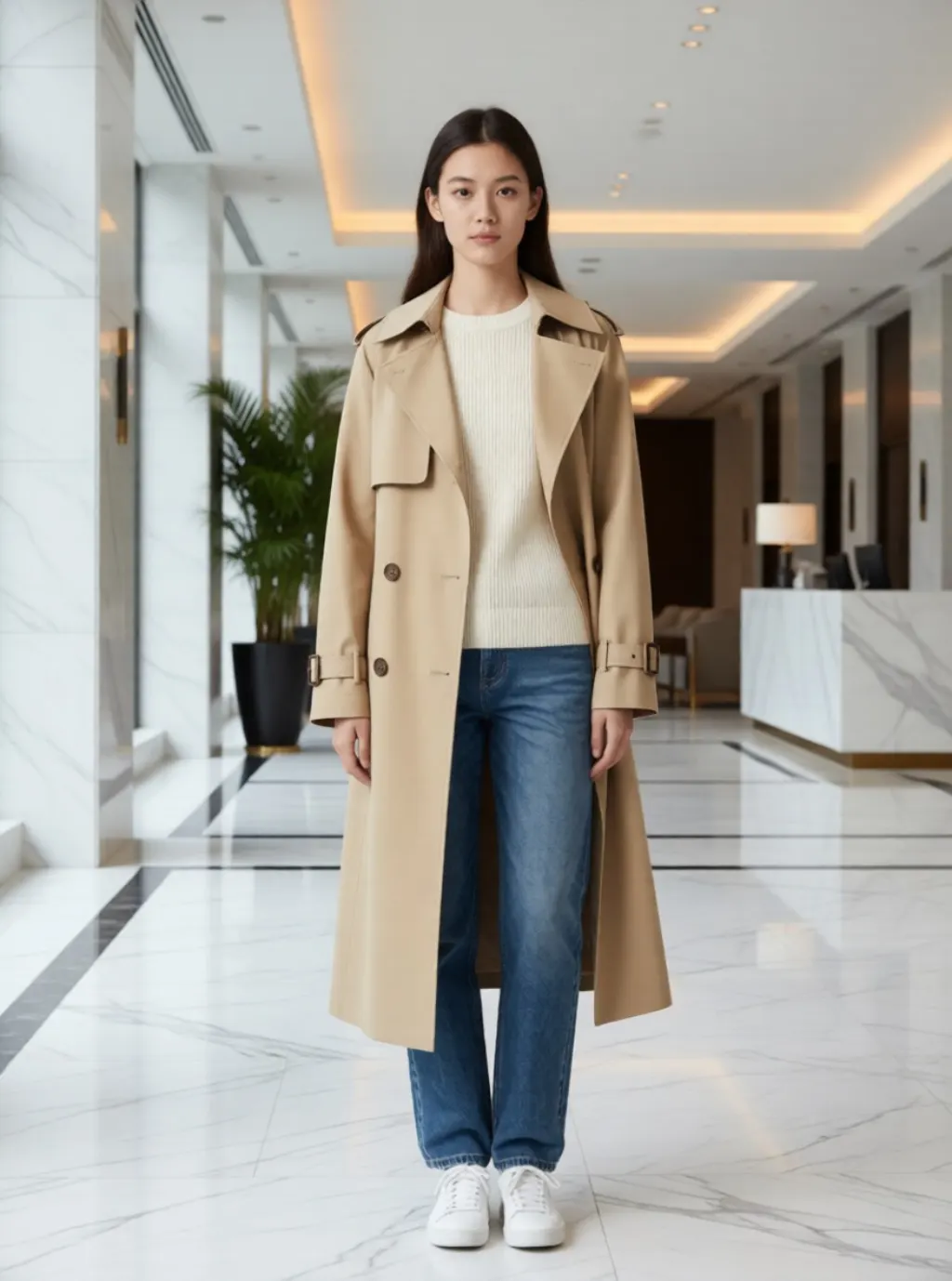 AI clothes changerUpload one photo, pick a look, and get the outfit and the place it belongs in. Ten looks, one click each.
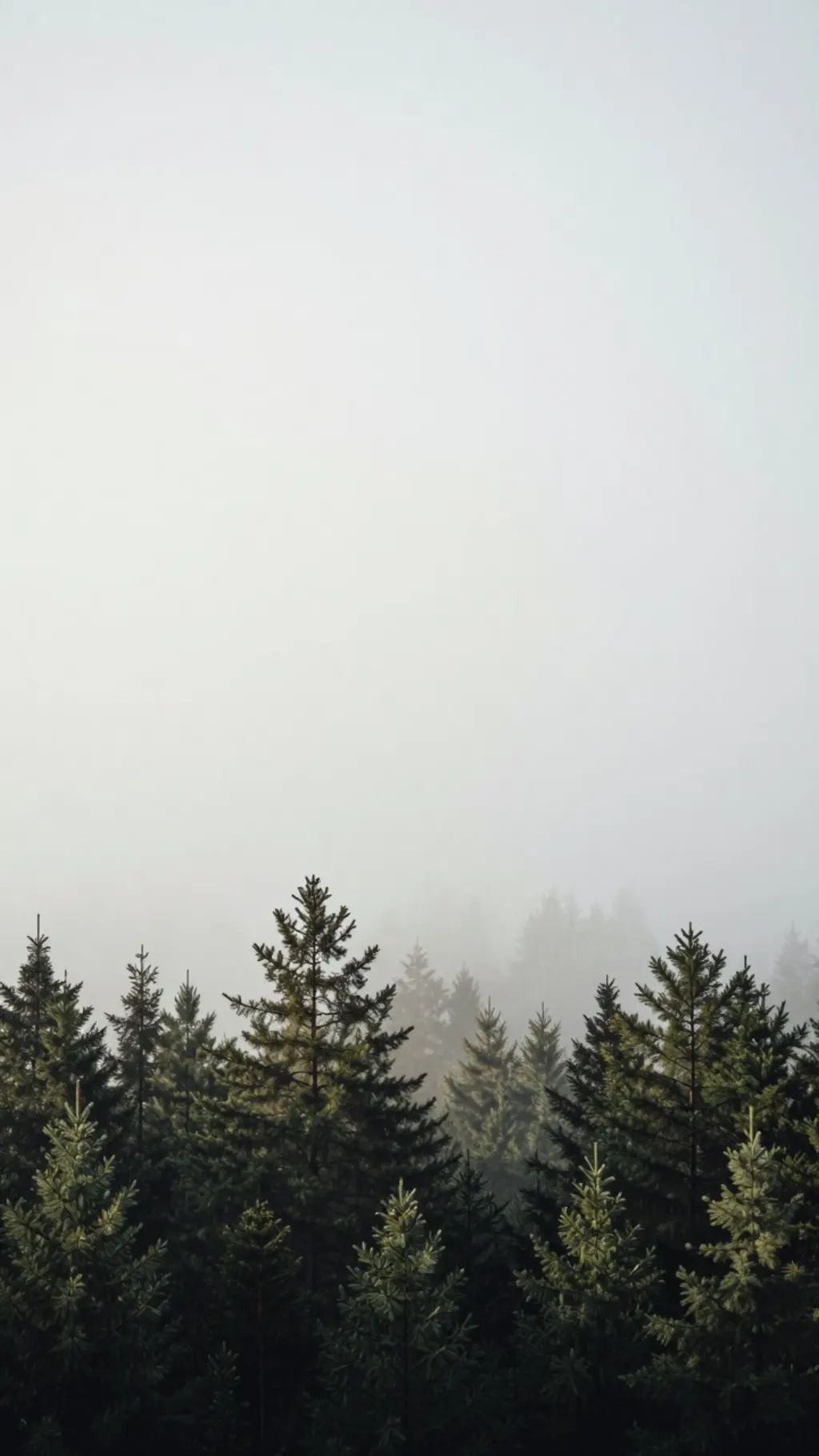 Free AI Wallpaper GeneratorType a prompt, pick a phone or desktop ratio, and download an unwatermarked wallpaper in about 15 seconds. No account, no credits, no daily cap.
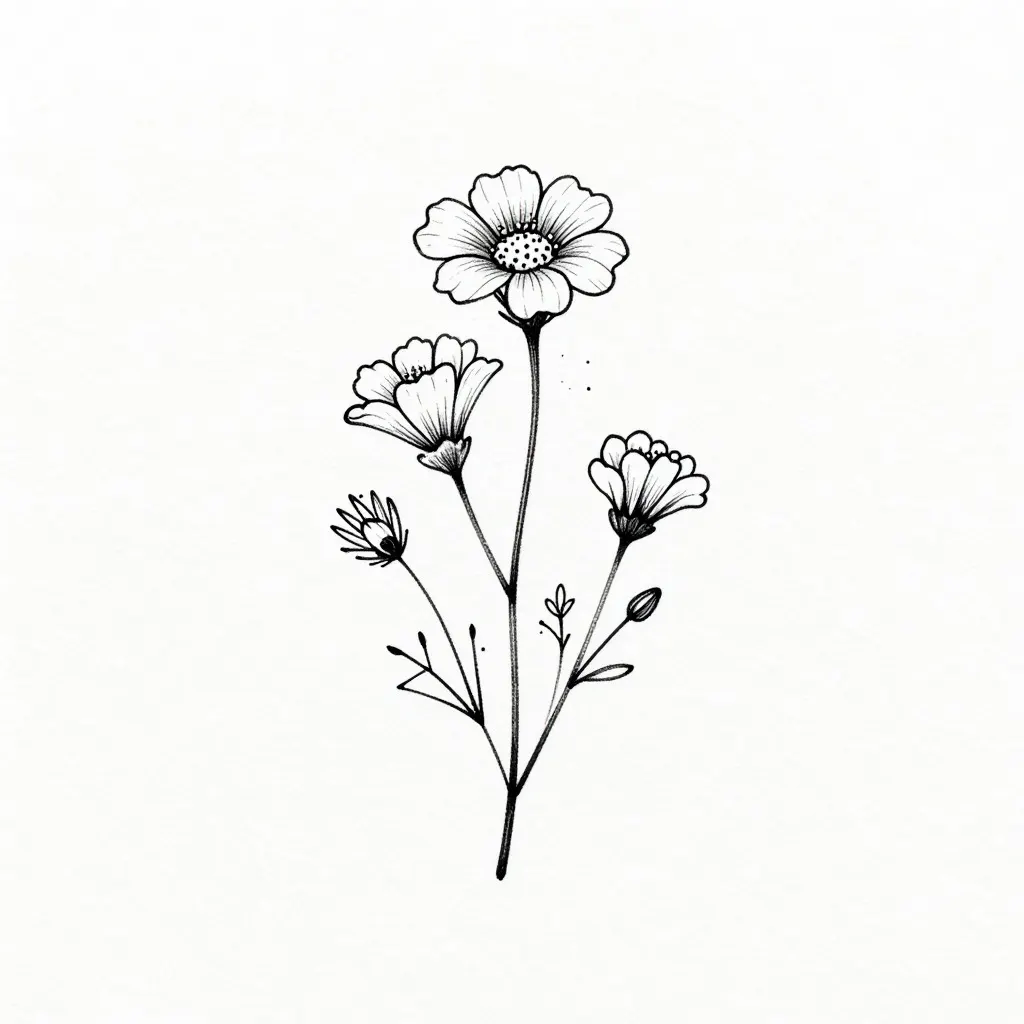 Free AI Tattoo GeneratorDescribe the tattoo you want and get a clean design in about ten seconds. No account, no watermark, and no cap on how many you try.