Why does AI art have a yellow tint? Ours does not have one
Twenty-four images of deliberately white things, measured rather than eyeballed. The average came out slightly cool.
Experimentquality·FreeImgGen Team·Updated ·Tested on Z-Image Turbo
The short answer
Why does AI art have a yellow tint? On some models the warm cast is real, well documented, and specific to certain models rather than to AI images in general. We measured it on ours by generating 24 pictures of deliberately white subjects and comparing red against blue in the bright pixels. The mean came out at minus 2.2, very slightly cool, with five of twelve scenes warm and seven cool. Whatever produces the famous sepia look is not present here.
MethodTwelve scenes chosen so that the dominant object should be neutral white, each generated twice: once plainly and once with "neutral white balance, no colour cast" appended. For each image we take the pixels above 190 luminance and report mean red minus mean blue. Positive is warm. 24 images, Z-Image Turbo, 2026-08-12, nothing re-rolled.
Scene
Plain prompt (R−B)
With "neutral white balance" (R−B)
Change
White ceramic bowl on concrete
+2.8
+0.8
−2.0
White bedsheet over a chair
−7.5
−1.8
+5.7
Blank white paper on a desk
−7.9
−9.2
−1.3
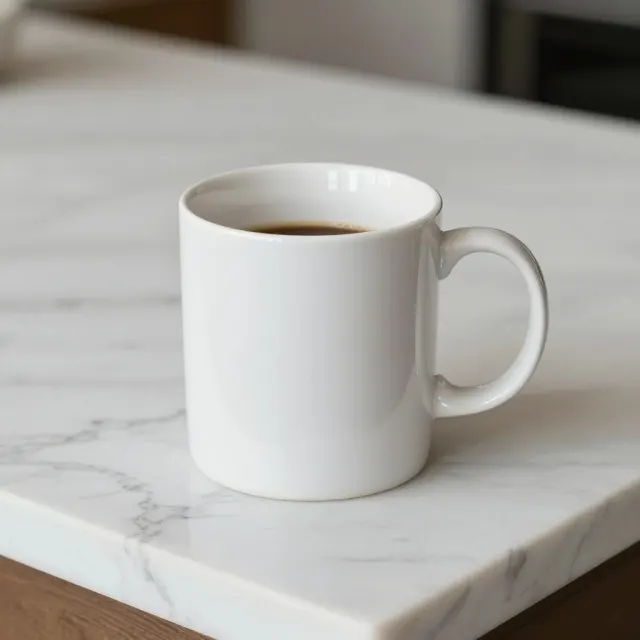
White mug on marble
−0.9
−1.9
−1.0
White t-shirt on a hanger
−9.0
−0.9
+8.1
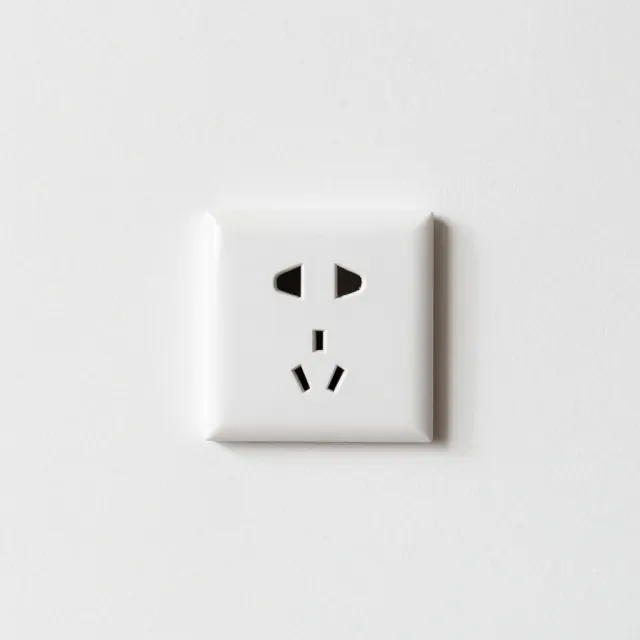
White wall with a socket
+0.2
+2.3
+2.1
White plate and a fork
−6.2
−2.9
+3.3
White towel on a shelf
+0.9
−1.3
−2.2
Blank canvas on an easel
−4.3
+0.8
+5.1
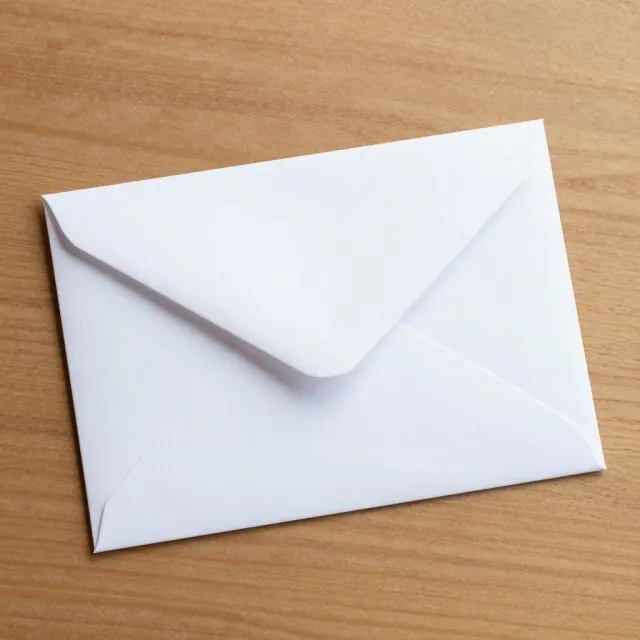
White envelope on wood
−12.3
−9.8
+2.5
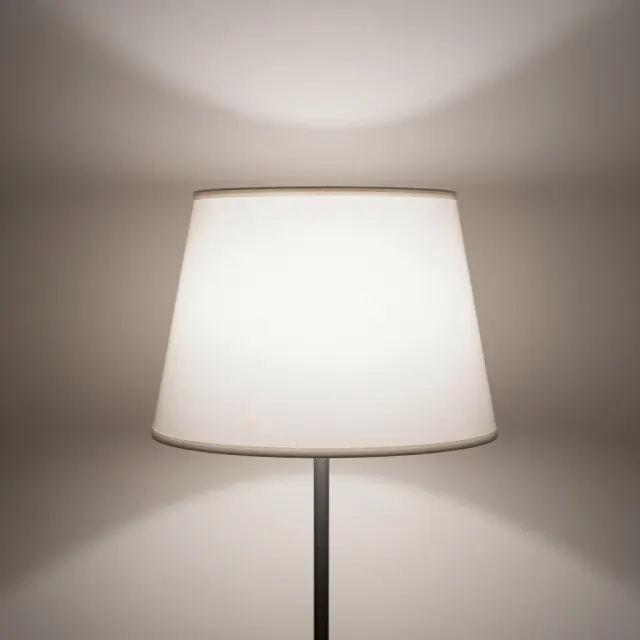
White lampshade
+11.9
+7.0
−4.9
White bowl of rice
+5.6
+3.7
−1.9
Mean of twelve
−2.2
−1.1
—
Why we expected to find one
The complaint is not imaginary and it is not niche. When OpenAI shipped image generation in ChatGPT in 2025, the warm cast on its output became a running joke within weeks, documented and eventually productised: there are now single-purpose web tools that exist only to take the yellow back out.
The usual explanation is preference tuning. If human raters consistently prefer warmer images, and they do, because warmth reads as flattering and cinematic, then a model tuned on those preferences drifts warm. A lot of the internet's aesthetic photography carries a warm grade already, so the training data pulls the same way.
That is a mechanism that would apply to any preference-tuned model, which is why we assumed we would find some of it here.
How we looked
Eyeballing a colour cast is unreliable, because the eye adapts. So we made it a measurement.
Twelve scenes were chosen where the main object should be neutral white: a bedsheet, blank paper, a t-shirt, an envelope, a canvas. In an image with no cast, the bright pixels of those objects should have roughly equal red and blue.
For each image we took every pixel above 190 luminance and computed mean red minus mean blue. Positive is warm, negative is cool, zero is neutral. Then we ran every scene a second time with "neutral white balance, no colour cast" appended, to see whether asking made any difference.
The metric is crude on purpose. It is reproducible from the images, which are ours, and it does not depend on anyone's eye.
What came back
The mean across twelve plain generations was −2.2, which is to say very slightly cool and close enough to zero to call neutral. Five scenes were warm, seven cool.
The spread is much more interesting than the average. The lampshade came in at +11.9 and the envelope on a wooden table at −12.3. Both of those are scene effects rather than model effects: a lampshade is lit from inside by a tungsten bulb, and a white envelope sitting on brown wood picks up cool contrast from its surroundings. The model was rendering the scene, not applying a filter.
That is the real finding. On this model the colour temperature of an image is being driven by what is in the picture, which is what you would want. There is no constant added on top.
MethodThe two extremes of the twelve, and the two nearest neutral. Measured value under each. Same run as the table above.
warmest · R−B +11.9
The warmest image in the set, and correctly so: the shade is lit from inside by a tungsten bulb. Any white balance measurement would read warm on a real photograph of this.
The second half of the run was meant to be the fix. It was not.
Adding "neutral white balance, no colour cast" reduced the cast in six of twelve scenes and increased it in the other six. The mean moved from −2.2 to −1.1, which is well inside the noise of a single generation per prompt.
This is the same result we got when we tested negative prompts across forty images, and it has the same cause. "No colour cast" is a phrase about the absence of a property, and there is no subtraction step in the pipeline for it to act on. Where the instruction did appear to help, on the t-shirt and the bedsheet, the effect is indistinguishable from run-to-run variation.
If you want a specific colour temperature, name the light instead: "overcast daylight" or "cool fluorescent" are conditions the model can picture.
If your images do look yellow
First, check whether it is the model or the scene. Generate something that should be white on a neutral background, a blank sheet of paper on a grey surface, and look at that. If the paper is white, your cast is coming from what you asked for: candles, sunsets, tungsten interiors and golden hour all legitimately produce warm pictures.
If it really is the model, the fix is downstream rather than in the prompt. Any editor with a white balance or colour temperature slider will remove a global cast in seconds, and doing it after the fact is more reliable than arguing with the conditioning. GIMP and Photopea both do it for free.
And it is worth knowing that this is model-specific. A cast that is notorious on one generator says nothing about another, which is the honest limit of this page too: 24 images, one model, one day. If you run the same test on a different generator we would expect a different number, and possibly a much larger one.
Run the white test yourself
This is scene three from the table. Generate it and look at the paper: if it is neutral, so is the model.
On the models where it happens, the usual explanation is preference tuning: human raters prefer warmer images, warmth reads as flattering, and the model drifts toward it. It became notorious on ChatGPT image generation in 2025. It is a property of particular models rather than of AI images generally.
Does every AI image generator have a yellow cast?
No. We measured 24 images from the model we run, using white subjects and comparing red against blue in the bright pixels, and the average came out at −2.2, marginally cool. Five of twelve scenes were warm and seven cool, with the extremes explained by what was in the scene rather than by the model.
How do I stop AI images looking yellow?
Not with the prompt. Adding "neutral white balance, no colour cast" changed the measurement in a random direction in our run: six scenes improved, six got worse. Fix a global cast afterwards with a white balance slider in any editor, or name a specific cool light such as overcast daylight in the prompt.
How can I check whether my generator has a colour cast?
Generate something that should be neutral white against a plain background, such as a blank sheet of paper on grey concrete, and look at the white. If it is white, any warmth in your other images is coming from the scenes you are describing rather than from the model.